
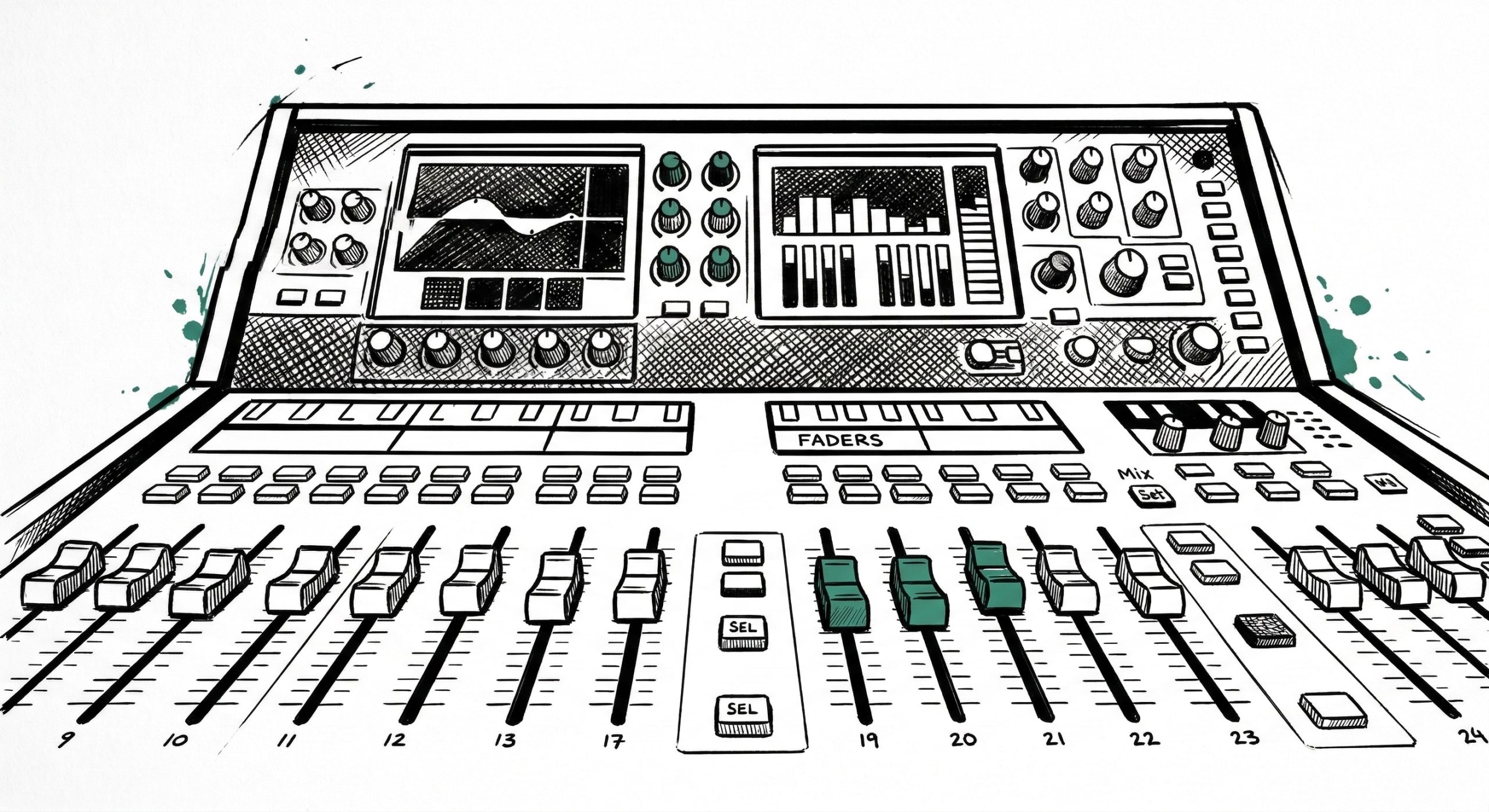
The easiest way to understand the Allen & Heath dLive S5000 is to draw an imaginary line right down the middle of the board.
- The Left Side (Inputs): Everything that comes into the board lives here. This includes your drum mics, keyboards, piano, guitar, and the click tracks. It also houses all the microphones (ambient mics, lead mics, and background vocals).
- The Right Side (Outputs): Everything that sends sound out of the board lives here. This section controls the overall volume for the Main Front of House (FOH) speakers, the Live Stream, and the Subwoofers.
How to Adjust a Channel
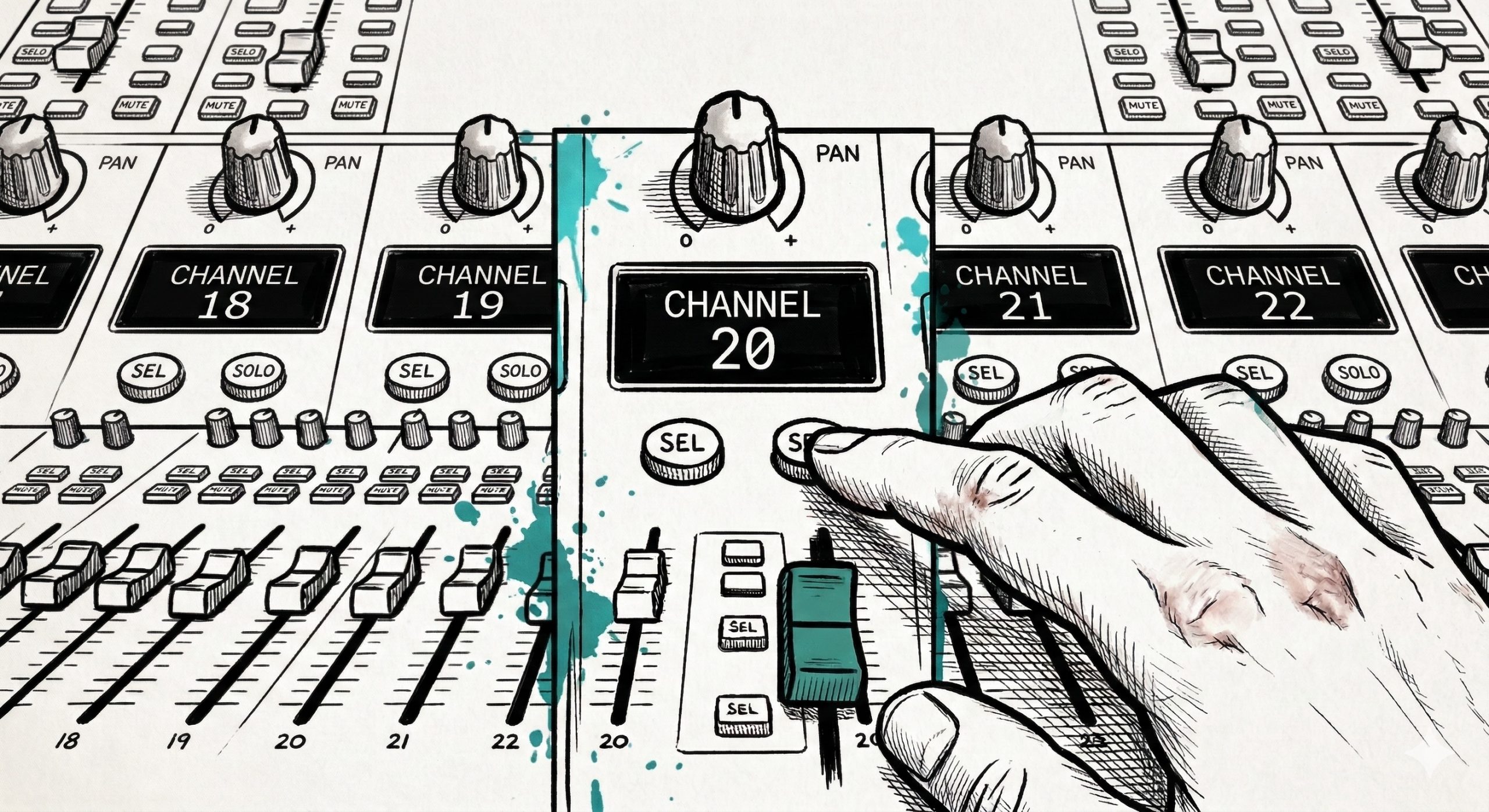
- Locate the channel fader you want to adjust (for example, “Podium 1”).
- Adjust the physical slider to set the volume. Ideally, you want to keep healthy signals hovering around the “0” mark.
- To edit that channel’s deeper settings (like EQ or compression), press the green “Sel” (Select) button located right above the fader.
- Look up at the main touchscreen: it will now display all the specific information and controls for that exact channel.
Leave a Reply