
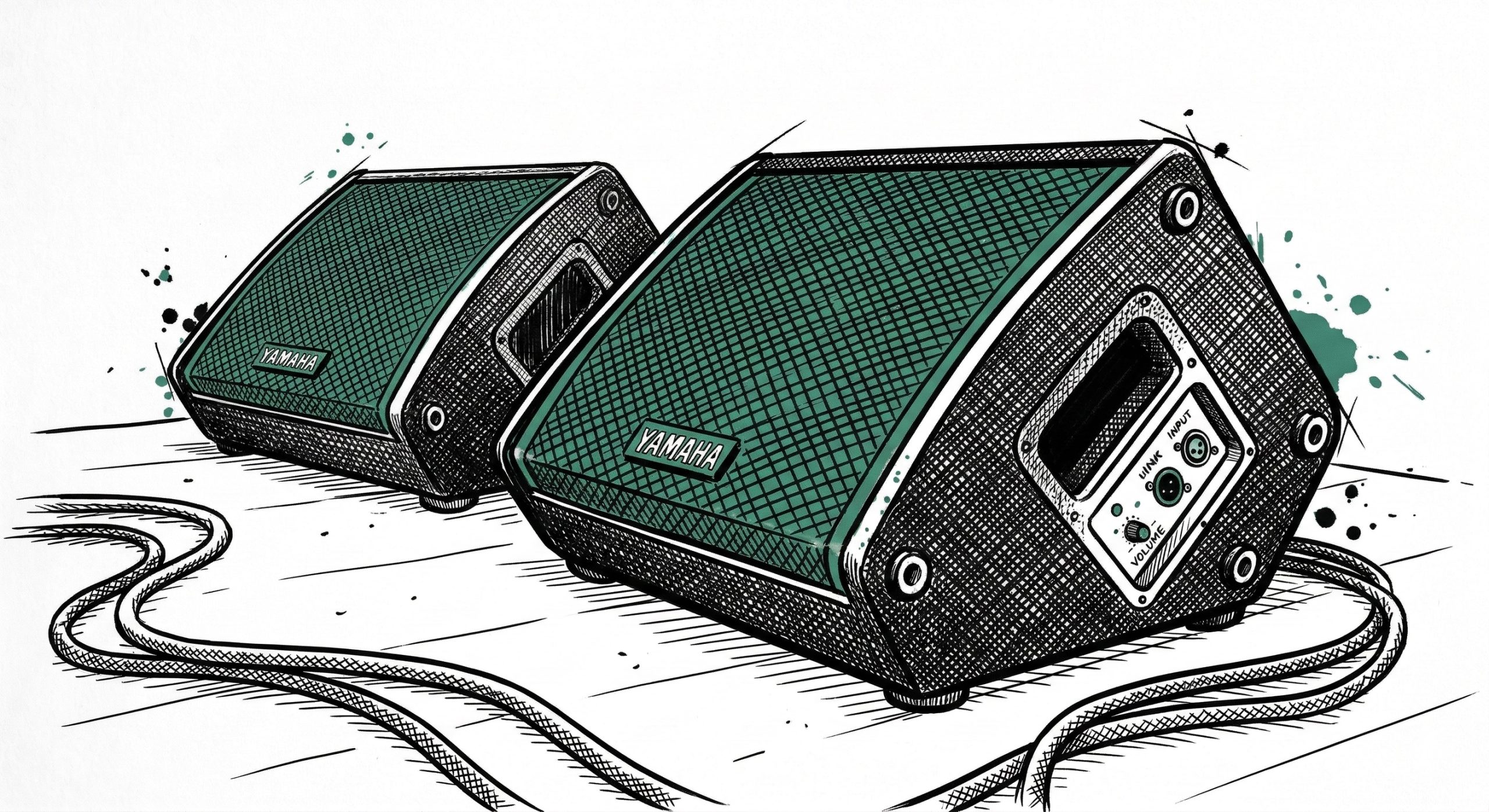
What is a Monitor? Monitors are dedicated speakers designed specifically for the musicians and singers. Their only job is to let the people on stage hear themselves and the band, rather than them trying to listen to the echo of the main house speakers.
The Lenox Stage Setup

- Front Floor Monitors (Wedges): Located at the front of the stage, pointing up at the main speakers and vocalists (like the new Yamaha DHR12Ms).
- Background Vocal Monitors: Hidden discreetly behind the plants to serve the background vocalists without cluttering the stage video feed.
- Personal Mixers (ME-1s): Dedicated little mixing boxes located at the instrumentalists’ stations (like the keyboard rig), allowing them to dial in their own custom headphone/speaker mix.
How to Control Monitor Volume on the dLive
- Look at the right side of the console (the Output section).
- Press the blue “Mix” button above the master faders.
- The faders will “flip” to show you the individual volume controls for the stage monitors (labeled as Aux sends: PULPIT, BGVs, CHOIR, ORGAN, KEYS).